Authentication
Account initialization
In order to start using ProFID, you must first click the activation link an administrator has sent to you. The link will redirect to the account activation page shown below.
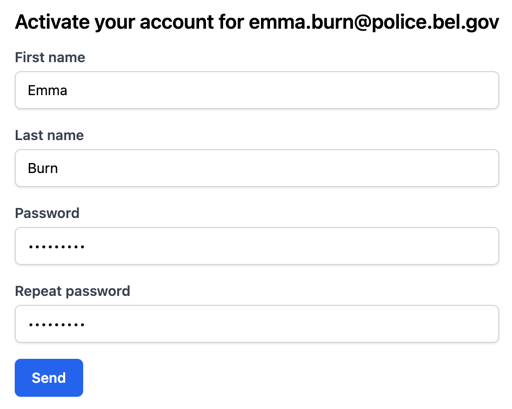
After clicking "Send", your account will be activated and you will be able to use ProFID with the level of permission the administrator granted you.
Log in and log out
When trying to access any page of ProFID without being logged in, you will be prompted to enter your credentials (email address and password).
Once you have finished using the system, it is recommended to log out through the button in the upper-right corner of the interface ("Logout"), particularly when using a shared workstation.
After 30 minutes without interacting with ProFID, the session will be automatically closed and you will be prompted to re-enter your credentials.
