System settings
System setup
ProFID needs to be set up with a few configuration options before it can be used.
Upon the first login, an admin user will be presented the following warnings:
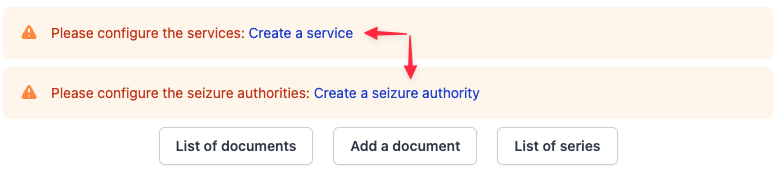
- Services define the organizational units to which users of ProFID belong.
- Seizure authorities define the organizational units from which seized documents source.
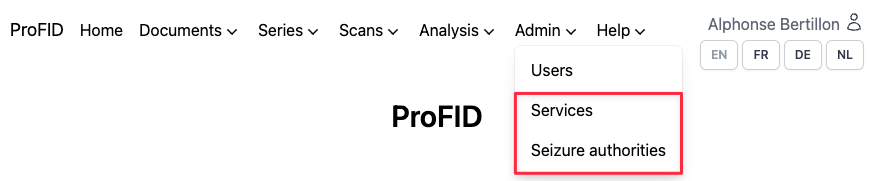
You can click on the warning's link or you can hover to the "Admin" menu and click one of the options (shown in red below) to start configuring the system
Services
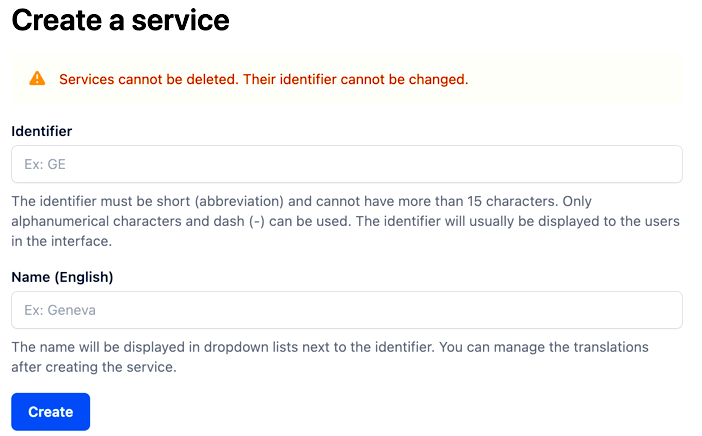
To add a new service click the button "Create a service". Then fill in the "Identifier" and a name of a service you would like to create.
Seizure authorities
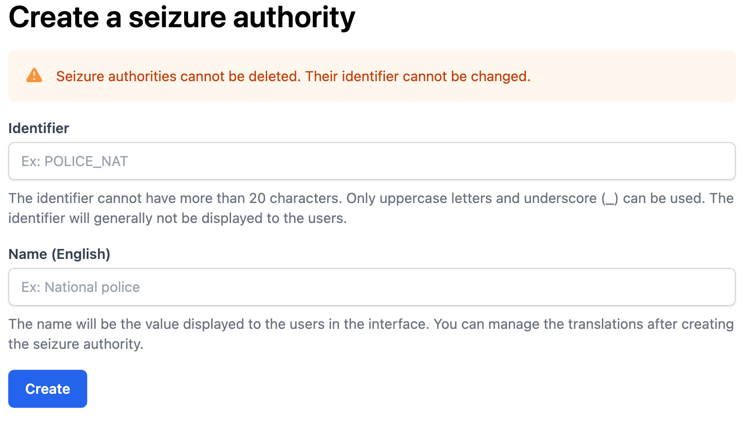
Just like while creating a service, to add a seizure authority click the button "Create a seizure authority". Then fill in the "Identifier" and a name of an authority you would like to create.