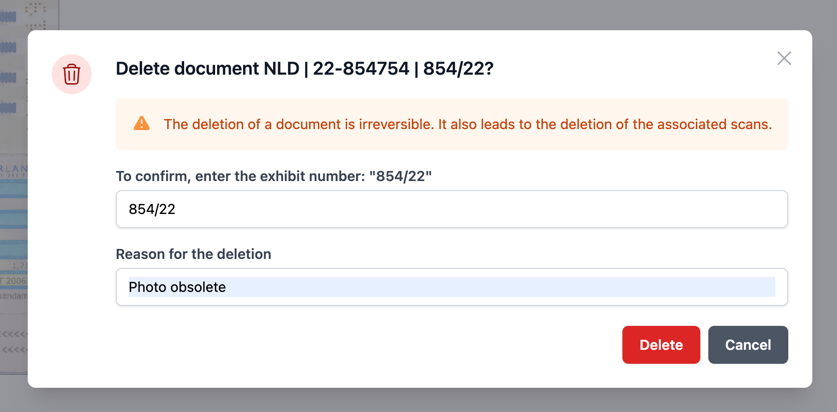
Deleting a document
An administrator has the ability to delete documents from ProFID. To do so, go to the document you would like to delete.
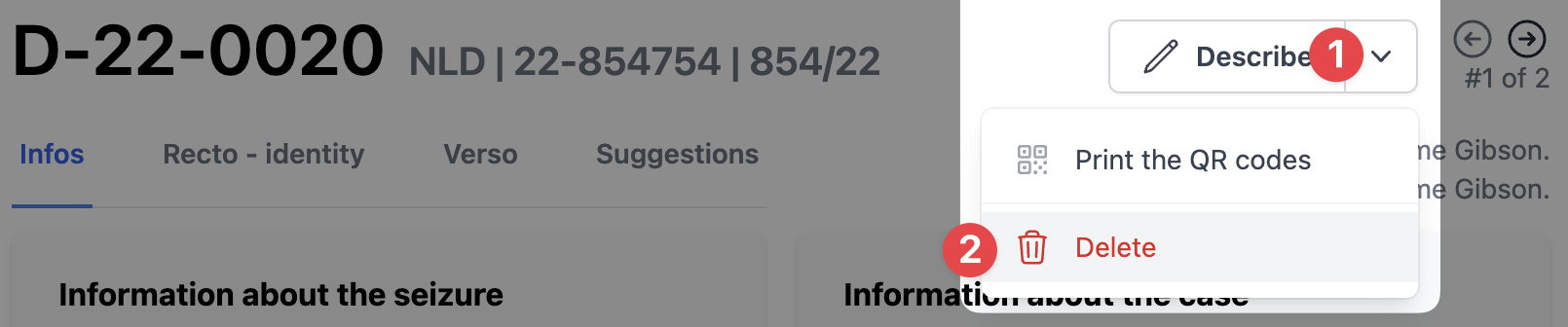
Select the dropdown menu in the top right corner, and click on "Delete".
After clicking on it, you need to confirm the removal of the document by retyping the name of a document and reason for its deletion.