Screen splitting
To display at the same time the document of interest and the documents of ProFID to be compared, proceed as follows:
-
Get to the description of the document of interest and from the "Documents" menu, right click on "Documents list" and select "Open Link in New Window".
-
A new window with the list of the documents of ProFID will open itself. For splitting the screen you can hover the mouse over the "Enter the full screen" button and after a few moments a dropdown menu will appear.
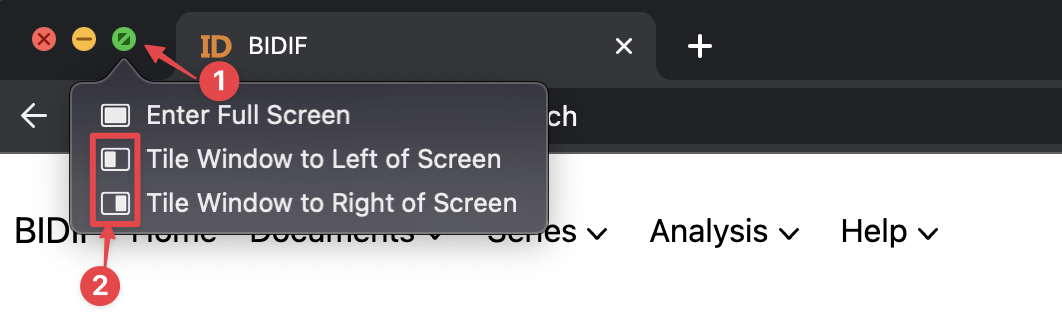
There you can choose whether you want to tile it to the left or right side.
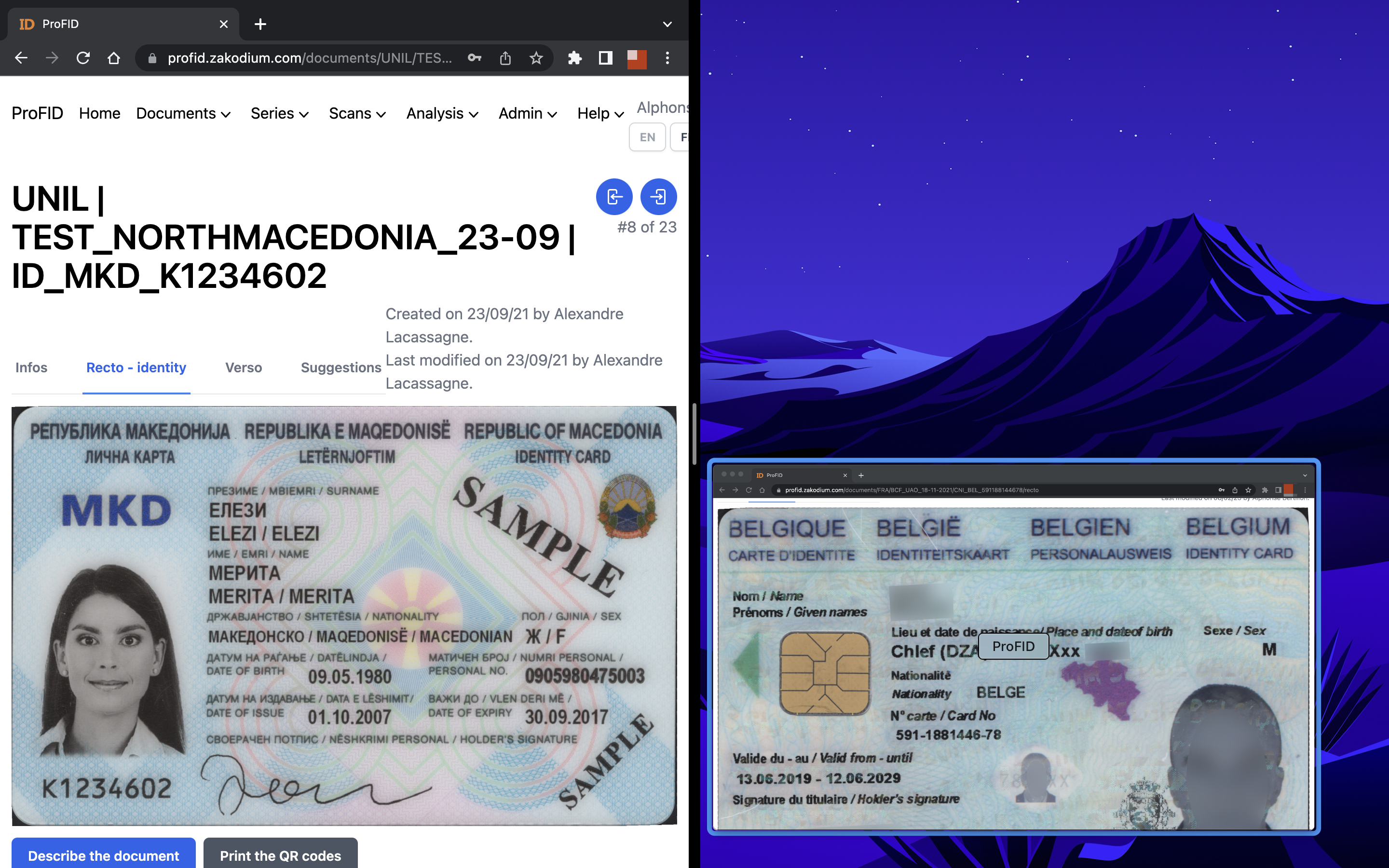
For Windows users, all it takes is to take the window with interested document and drag it to the right/left limit of the screen and then also to choose the second window of interest.
In order for such screen split to work, these windows should not be hidden nor in full screen mode.