Merging series
If there are two similar series, the user has the possibility to merge them. In order to do so, find the series to merge in the series list.
Click on the "Merge with another series" button.

In the next page, choose the series that you want to merge with.
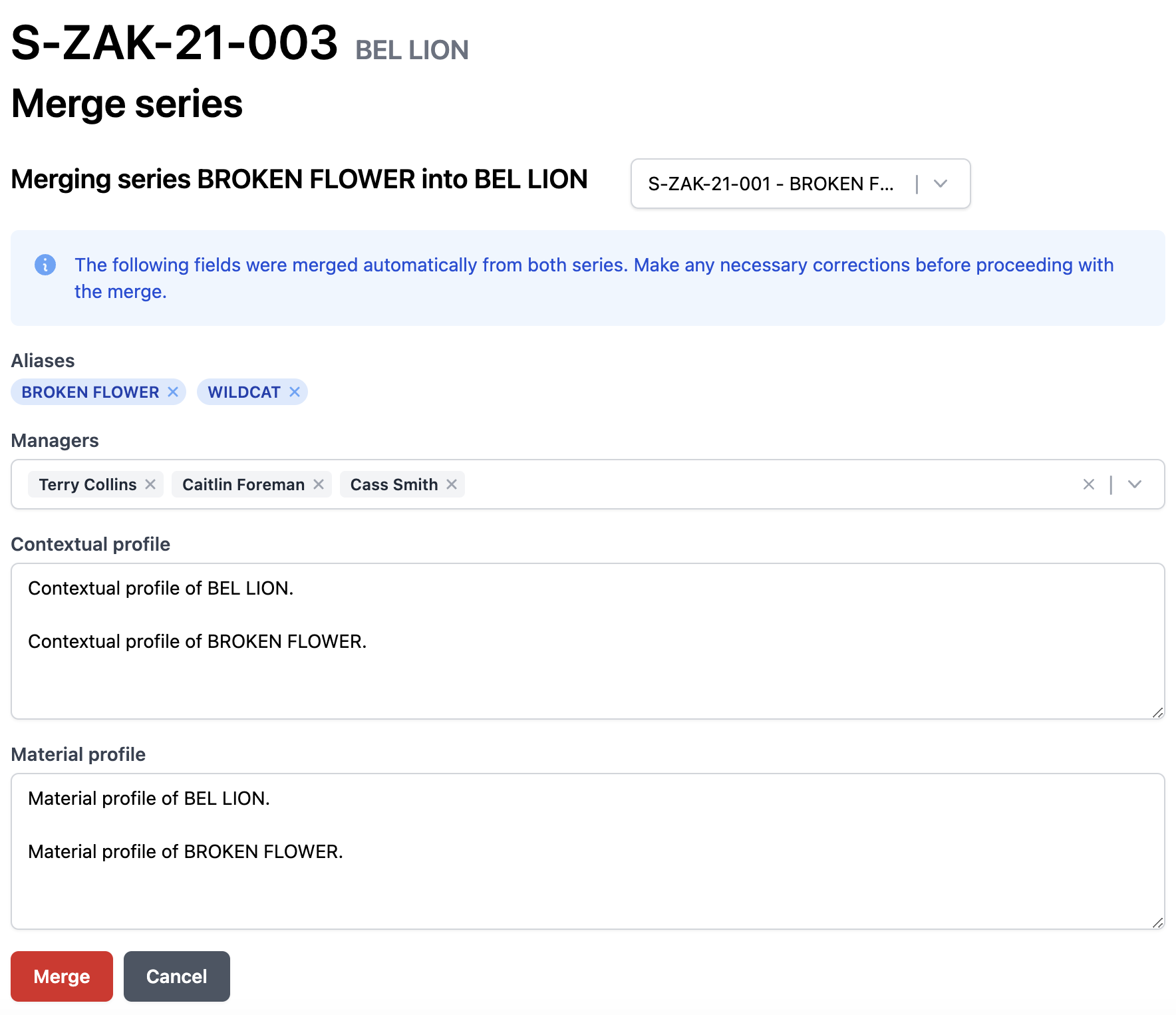
After the choice is made, the program will automatically merge some of the fields notably "Aliases", "Managers", "Contextual profile", and "Material profile". An alias is also added for the series that will be merged.
Click the "Merge" button once you have reviewed and corrected the fields.
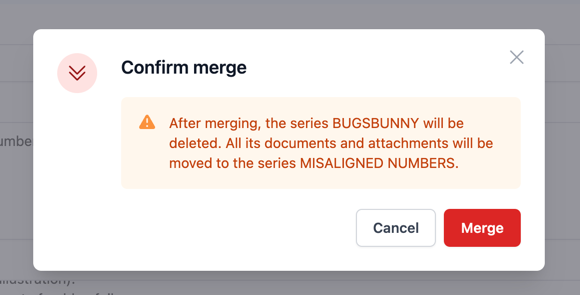
Then click on the red "Merge" button below and the merging is done.
caution
Once the merge is completed, the series that was merged into is removed irreversibly.