Searching and sorting series
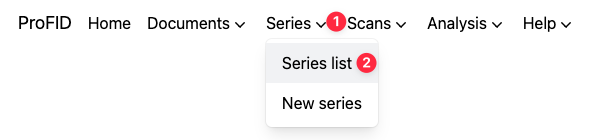
To access the list of series, hover the "Series" menu, and click the "Series list" option.
Search and filter
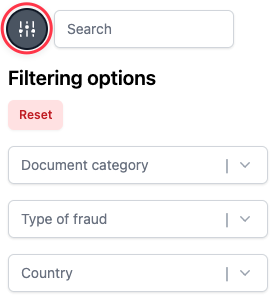
The text field allows you to search series by name and aliases.
By clicking on the "Filter" icon on the left, you can also filter series by country, type of fraud or document category, using a faceted search similar to the one used for documents.
Search the series and open it by clicking on its name.
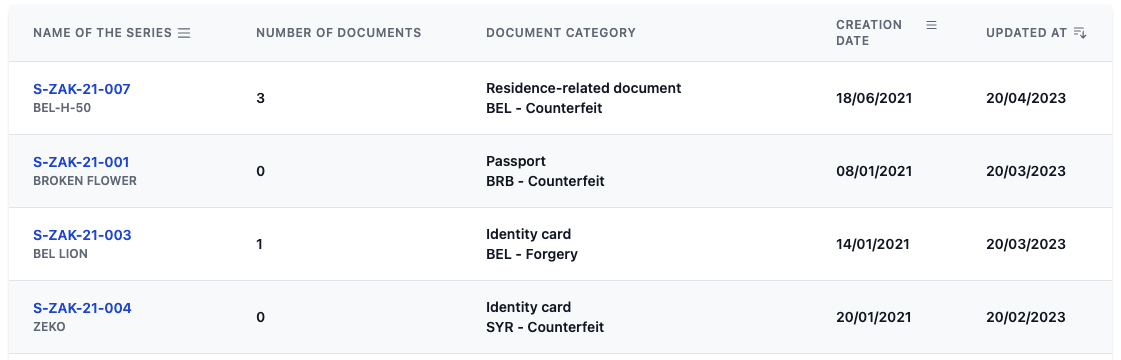
You will see all the details about the series, including all documents linked to the series, the material profile and images illustrating those.
Sorting series
Sorting series works in a similar manner than sorting documents. It is possible to sort by creation date, update date or name.
The "Update at" column is either the date last time the series profile was updated, or the last time the list of associated documents was changed (whichever is more recent).