Describing documents
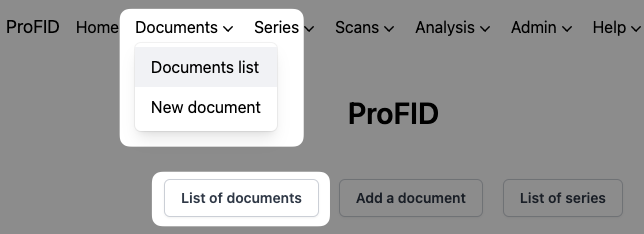
Either click the "List of documents" button, which is accessible from the home page, or the "Documents list" button, which is accessible from the "Documents" menu at the top of any page.
Then choose the document you want to describe by clicking on the document's exhibit number. To learn more about how to find documents, see Searching documents.
Click on the "Describe" button at the top of the page and fill in the various fields.

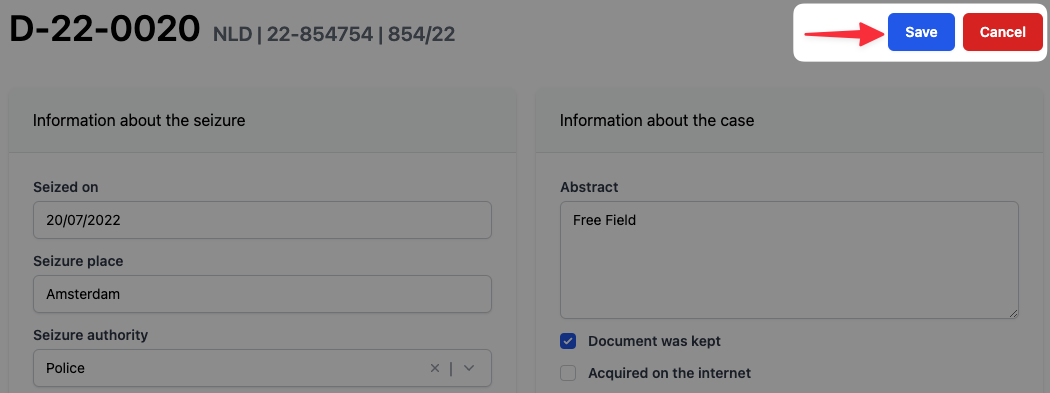
Once finished, click on "Save" button.
Here are a few recommendations to harmonize the entry of information and increase quality:
-
"Operation" field: name given to the operation/case to which the document relates. This name is often given by the inspectors (e.g. the document is seized in the context of the XYZ operation named by the narcotics squad, such as Operation DRAGON). The operation name should not be the description of the particular circumstances of seizures and/or the related offence in the case (e.g. "Check in a train station").
For more information, see our section about circumstantial links.
-
"Series" field: the user who detects the series for the first time provides its name. A series can be established when someone sees a material link between at least two documents (see Links and series).