Extra images
The extra images are complementary images that can provide extra information about the document. Contrary to standardized images, they don't need to be scanned using the canvas but can be uploaded directly.
Extra images should be not be used to register images of the document in place of standardized images, except when there is no access to the physical document.
Adding an extra image
To add extra images go to the document of interest.
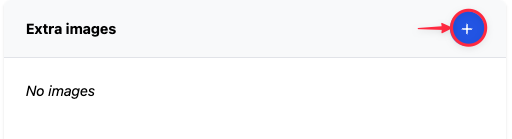
At the bottom of the document there will be a section named "Extra images". Click on the "Plus" to add a new "extra image".
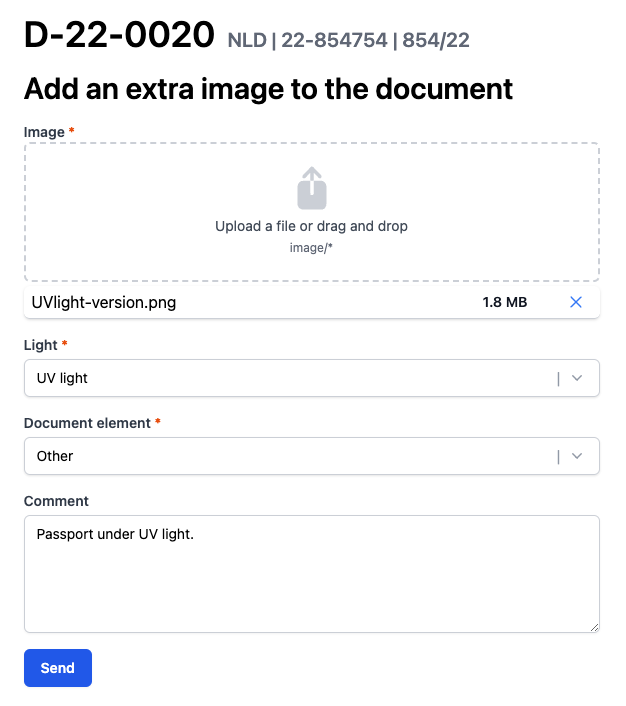
Then fill the form, including the image attachment and click "Send".
Once sent the image will appear in the "Extra images" section.
Editing an extra image
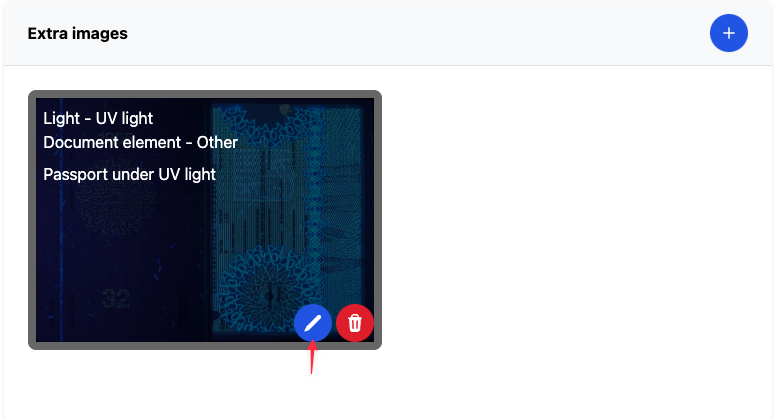
In case there are corrections to be made in the description of the image, it can be done by hovering on the image and clicking on the "Blue pen" button as indicated by the red arrow above.
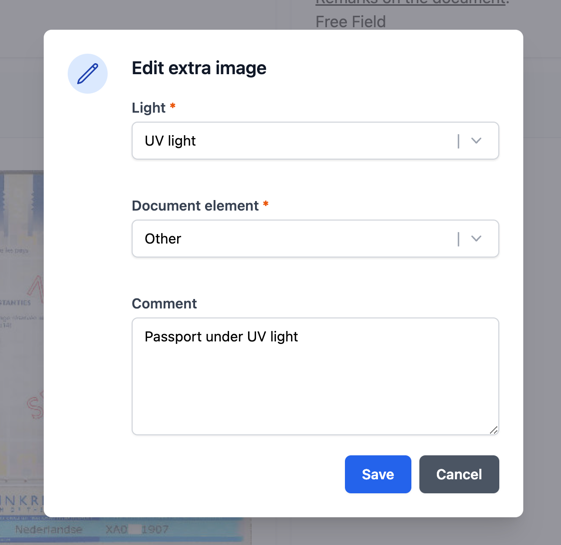
There you can correct the "Light" / "Document element:" or add a comment to the image. The image itself cannot be edited.
Deleting an extra image
If the extra image has to be removed, then hover the image and click on the "Red bin" button as show by the red arrow below.
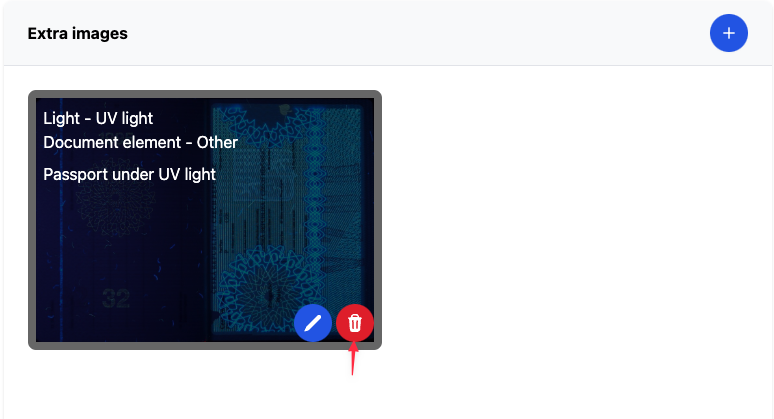
You will be asked for confirmation before the image is deleted.